
From the Publications tab, you can generate several types of reports by following these steps.
-
Check the box in front of each publication you want to include in the report, or the box at the top of the list to select all publications
-
Click on the Excel icon
-
You then have the option to:
- Generate a report using an existing template
- Generating a custom report
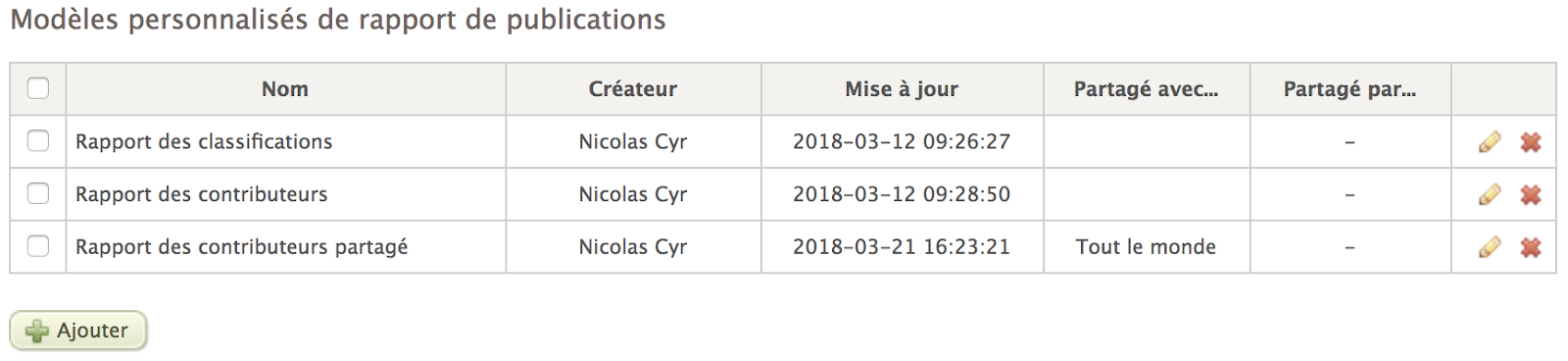
You can find all your report templates in the System > Reports section. You can edit or delete a report template at any time.
For users with permission to share templates, the platform indicates whether each template is shared with other users in the column entitled Shared with.