
Viewing and editing dynamic pricing policies
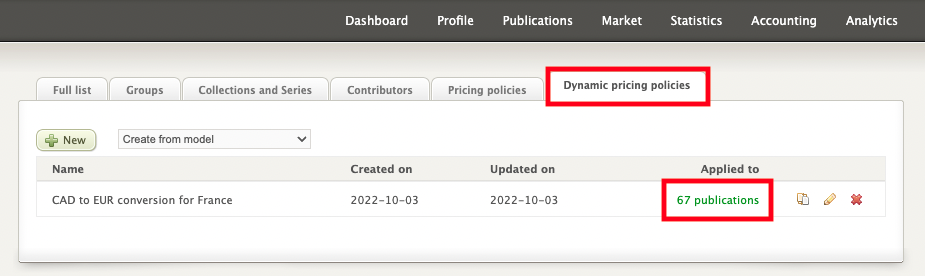
You can view your different dynamic pricing policies at any time by clicking on the Dynamic pricing policies tab from the Publications screen.
There you can see the number of publications to which each policy applies. By clicking on the number of publications, you will have access to the list of titles.

If you wish, you can then export this list as an Excel file (to learn more about our metadata export functions, please see this article.
To edit an existing policy, click the pencil icon next to the number of publications. When you are done making changes, click Save.
The platform will modify the previously generated prices and automatically send an update to the network of booksellers.