
Setting the price to be generated
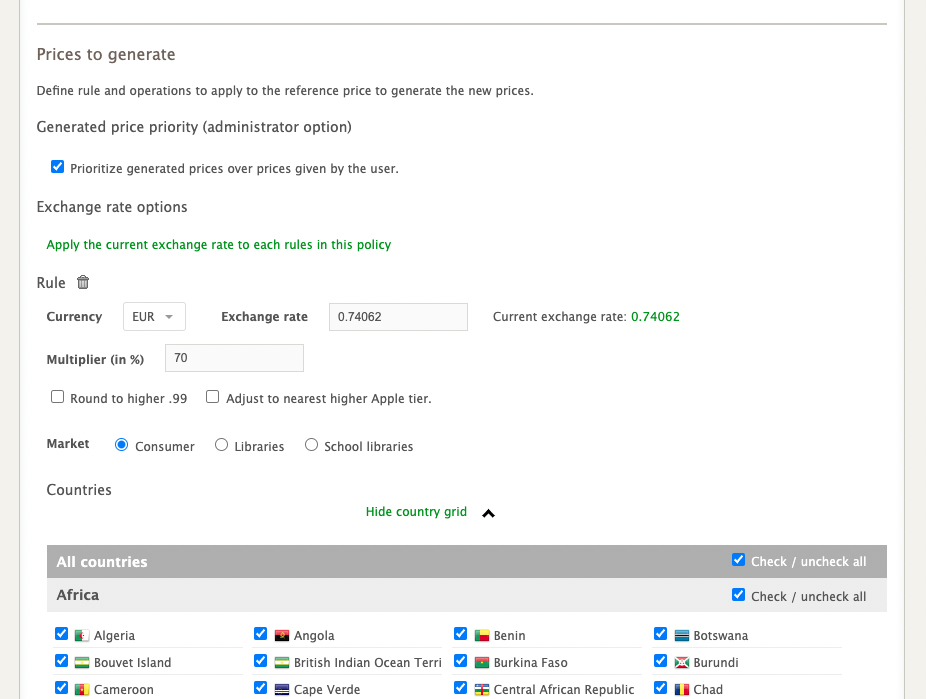
Once you have defined your reference price, you can determine your price(s) to be generated according to several criteria:
the currency;
the exchange rate (the platform provides a default value);
the multiplier (see details below);
price adjustment to the next higher .99 or Apple tier (Apple uses price tiers, and not all prices fall into those tiers. For example, the price following $74.99 is $77.99, not $75.99););
price restrictions (is the price for the general public or for libraries?);
the territories to which the price applies.
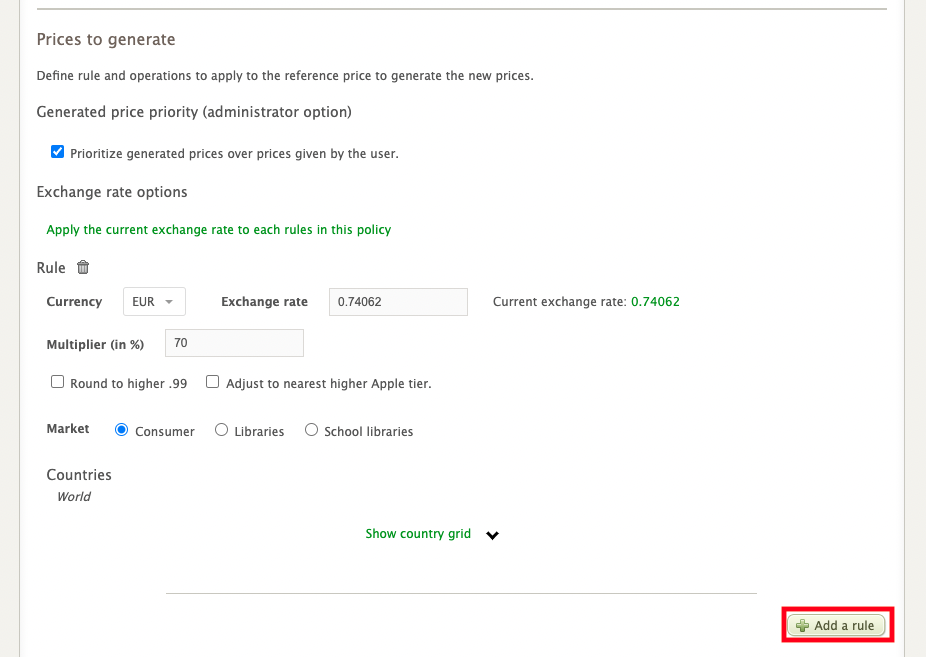
Once you have provided the required information, you can choose to add a new rule, i.e. a new price to be generated, with its own criteria and associated territories, by clicking on Add a rule.
Multiplier
In addition to converting the price according to the exchange rate, the dynamic pricing policy tool allows you to apply a multiplier to the generated price.
This feature is very useful as the average price of a book can vary greatly from one territory to another. For example, if the average price of a book in France is about 70% of the price in Canada, you can apply a multiplier to the price that will be generated in euros.
In this case, the platform:
will convert the price according to the documented exchange rate;
will then apply the multiplier entered;
will round up the price according to the options checked (round up to the next .99 or adjust to the next higher Apple tier).