Generating publication reports
From the Publications tab, you can generate several types of reports by following these steps.
Check the box in front of each publication you want to include in the report, or the box at the top of the list to select all publications
Click on the Excel icon
You then have the option to:
- Generate a report using an existing template
- Generating a custom report

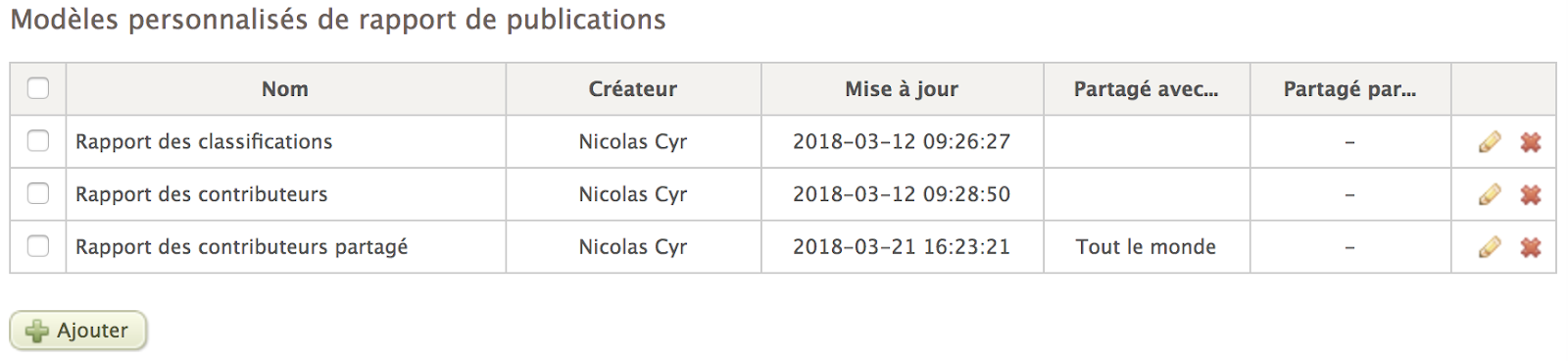
You can find all your report templates in the System > Reports section. You can edit or delete a report template at any time.
For users with permission to share templates, the platform indicates whether each template is shared with other users in the column entitled Shared with.