Creating and naming the dynamic pricing policy
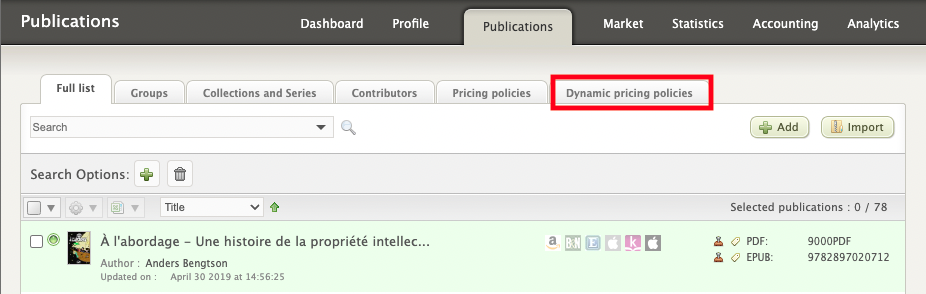
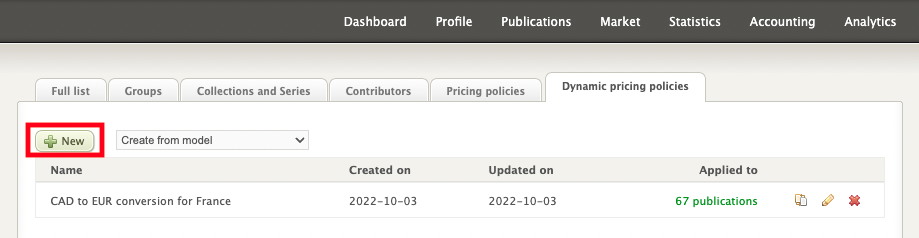
In the Publications screen, click the Dynamic Pricing Policies tab and then click Add.
Next, be sure to give the new policy a name that's clear enough to make it easy to differentiate from other policies. For example: CAD to EUR conversion for France, or CAD promotion from 1/08/19 to 31/08/2019.